
Courses / AI & Automation
Edit 100% with Claude: AI Video Editing in CapCut, Beginner to Pro
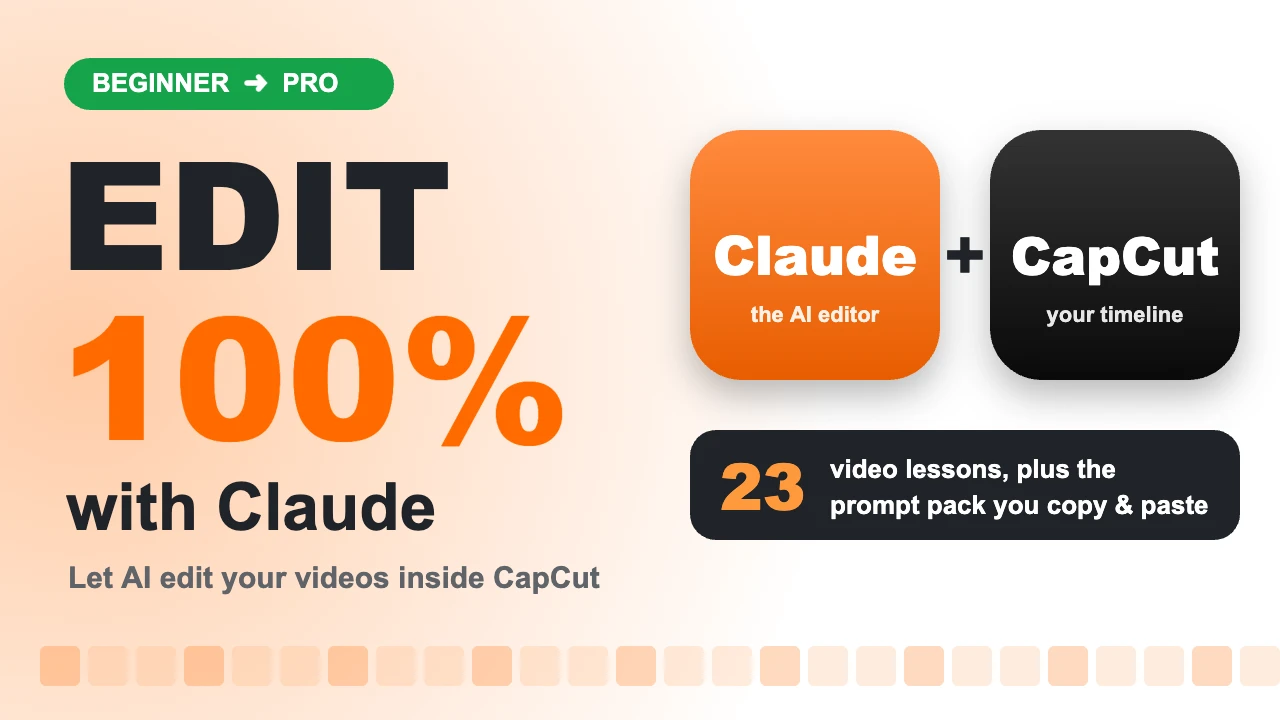
Edit professional-looking videos without learning complicated editing. In this course you will set up Claude, the AI assistant, to do the editing for you inside CapCut: cutting out mistakes, syncing your voice, adding zooms, bold text, icons, captions and music, then exporting a video that is ready to post.
24 lessons 8 modules 22 minutes of video Lifetime access
Certificate
Taught by esther wiz
What you'll learn
- Welcome
- Getting Claude on your computer
- The Claude interface, deep dive
- Recording and sending your files
- CapCut: the editor Claude uses
- Letting Claude edit your video
- Recreating pro effects
- The universal prompt
Module 1: Welcome2 lessons, 2 min
- ▶ Lesson 1: You can edit like a pro with Claude Free preview
- ▶ Lesson 2: How the workflow works 🔒
Module 2: Getting Claude on your computer2 lessons, 2 min
- ▶ Lesson 3: Download and install Claude 🔒
- ▶ Lesson 4: Sign in and choose a plan 🔒
Module 3: The Claude interface, deep dive5 lessons, 4 min
- ▶ Lesson 5: Your home screen 🔒
- ▶ Lesson 6: Projects: Claude remembers your style 🔒
- ▶ Lesson 7: The settings you must turn on 🔒
- ▶ Lesson 8: Connectors: getting files from anywhere 🔒
- ▶ Lesson 9: Using your limits wisely 🔒
Module 4: Recording and sending your files2 lessons, 2 min
- ▶ Lesson 10: Record like a pro 🔒
- ▶ Lesson 11: Send your files to the computer 🔒
Module 5: CapCut: the editor Claude uses4 lessons, 3 min
- ▶ Lesson 12: Get CapCut ready 🔒
- ▶ Lesson 13: The CapCut tools Claude will use 🔒
- ▶ Lesson 14: Keyframes, explained simply 🔒
- ▶ Lesson 15: Text, stickers, sound and captions 🔒
Module 6: Letting Claude edit your video5 lessons, 4 min
- ▶ Lesson 16: Your first edit, step by step 🔒
- ▶ Lesson 17: Watch Claude edit: the full walkthrough 🔒
- ▶ Lesson 18: When Claude gets stuck 🔒
- ▶ Lesson 19: Fixing and polishing the edit 🔒
- ▶ Lesson 20: Exporting and checking 🔒
Module 7: Recreating pro effects1 lessons, 3 min
- ▶ Lesson 21: The effects from the intro video 🔒
Module 8: The universal prompt3 lessons, 3 min
- ▶ Lesson 22: One prompt for a complete video 🔒
- ▶ Lesson 23: You're ready 🔒
- 📄 Downloads: Prompt Pack and Universal Prompt 🔒
About this course
Edit professional-looking videos without learning complicated editing. In this course you will set up Claude, the AI assistant, to do the editing for you inside CapCut: cutting out mistakes, syncing your voice, adding zooms, bold text, icons, captions and music, then exporting a video that is ready to post.
Everything is shown on screen, step by step, in short lessons you can follow on your own laptop. The whole course runs on free tools plus a Claude plan, so there are no expensive editing subscriptions.
What You Will Learn:
Download, install and set up Claude on Windows or Mac, and turn on the settings that let it work on your computer.
Use Projects so Claude remembers your editing style for every video.
Record and organise your clips so Claude can edit them cleanly.
Understand the CapCut tools Claude uses: timeline, keyframes, text, stickers, sound effects and captions.
Watch a full edit done by Claude from start to finish, and learn how to fix and polish the result.
Recreate eye-catching effects used by top creators: zoom punches, animated text, icons and sound design.
Use one Universal Prompt to get a complete, polished edit from a single instruction.
Who This Course Is For:
Content creators, influencers and small business owners who post on TikTok, Instagram, YouTube or WhatsApp and want better videos in less time.
Beginners who have never edited a video before.
Freelancers and social media managers who edit for clients and want to deliver faster.
What You Get:
23 short video lessons in 8 modules (about 22 minutes of focused training).
The Prompt Pack (PDF) and the Universal Prompt to copy and reuse.
A certificate when you complete the course.
Course Curriculum
Module 1: Welcome
Lesson 1: You can edit like a pro with Claude
Lesson 2: How the workflow works
Module 2: Getting Claude on your computer
Lesson 3: Download and install Claude
Lesson 4: Sign in and choose a plan
Module 3: The Claude interface, deep dive
Lesson 5: Your home screen
Lesson 6: Projects: Claude remembers your style
Lesson 7: The settings you must turn on
Lesson 8: Connectors: getting files from anywhere
Lesson 9: Using your limits wisely
Module 4: Recording and sending your files
Lesson 10: Record like a pro
Lesson 11: Send your files to the computer
Module 5: CapCut: the editor Claude uses
Lesson 12: Get CapCut ready
Lesson 13: The CapCut tools Claude will use
Lesson 14: Keyframes, explained simply
Lesson 15: Text, stickers, sound and captions
Module 6: Letting Claude edit your video
Lesson 16: Your first edit, step by step
Lesson 17: Watch Claude edit: the full walkthrough
Lesson 18: When Claude gets stuck
Lesson 19: Fixing and polishing the edit
Lesson 20: Exporting and checking
Module 7: Recreating pro effects
Lesson 21: The effects from the intro video
Module 8: The universal prompt
Lesson 22: One prompt for a complete video
Lesson 23: You're ready
Downloads: Prompt Pack and Universal Prompt
Everything is shown on screen, step by step, in short lessons you can follow on your own laptop. The whole course runs on free tools plus a Claude plan, so there are no expensive editing subscriptions.
What You Will Learn:
Download, install and set up Claude on Windows or Mac, and turn on the settings that let it work on your computer.
Use Projects so Claude remembers your editing style for every video.
Record and organise your clips so Claude can edit them cleanly.
Understand the CapCut tools Claude uses: timeline, keyframes, text, stickers, sound effects and captions.
Watch a full edit done by Claude from start to finish, and learn how to fix and polish the result.
Recreate eye-catching effects used by top creators: zoom punches, animated text, icons and sound design.
Use one Universal Prompt to get a complete, polished edit from a single instruction.
Who This Course Is For:
Content creators, influencers and small business owners who post on TikTok, Instagram, YouTube or WhatsApp and want better videos in less time.
Beginners who have never edited a video before.
Freelancers and social media managers who edit for clients and want to deliver faster.
What You Get:
23 short video lessons in 8 modules (about 22 minutes of focused training).
The Prompt Pack (PDF) and the Universal Prompt to copy and reuse.
A certificate when you complete the course.
Course Curriculum
Module 1: Welcome
Lesson 1: You can edit like a pro with Claude
Lesson 2: How the workflow works
Module 2: Getting Claude on your computer
Lesson 3: Download and install Claude
Lesson 4: Sign in and choose a plan
Module 3: The Claude interface, deep dive
Lesson 5: Your home screen
Lesson 6: Projects: Claude remembers your style
Lesson 7: The settings you must turn on
Lesson 8: Connectors: getting files from anywhere
Lesson 9: Using your limits wisely
Module 4: Recording and sending your files
Lesson 10: Record like a pro
Lesson 11: Send your files to the computer
Module 5: CapCut: the editor Claude uses
Lesson 12: Get CapCut ready
Lesson 13: The CapCut tools Claude will use
Lesson 14: Keyframes, explained simply
Lesson 15: Text, stickers, sound and captions
Module 6: Letting Claude edit your video
Lesson 16: Your first edit, step by step
Lesson 17: Watch Claude edit: the full walkthrough
Lesson 18: When Claude gets stuck
Lesson 19: Fixing and polishing the edit
Lesson 20: Exporting and checking
Module 7: Recreating pro effects
Lesson 21: The effects from the intro video
Module 8: The universal prompt
Lesson 22: One prompt for a complete video
Lesson 23: You're ready
Downloads: Prompt Pack and Universal Prompt
Questions before you join?
Our team answers through support tickets, usually the same day.
Ask a question